Privileged access bastion
One way in to your servers. A record of every access.
BastionOS routes SSH, remote desktops, databases and Kubernetes through gateways that check every connection, keep passwords out of users' reach and record everything. On your own servers, with no third-party service.
How it works
Nobody touches a target without going through the gateway.
Users keep their tools: their SSH client, psql, kubectl or their browser. The gateway asks the control plane whether the connection is allowed, receives the secret from OpenBao for a single use, then opens the session and records it.
Identity
Local account, directory or SSO, always with a second factor.
Decision
Rules say who goes where, when and from which network. A deny always wins.
Secret
OpenBao hands the password or key to the gateway, never to the user.
Record
Session recorded and encrypted, commands and files logged, chained audit log.
What it covers
A complete bastion, not a collection of tools.
One console, one access policy and one log for every protocol. The same rules apply in the terminal, in the SQL workbench and in kubectl.
Servers and devices
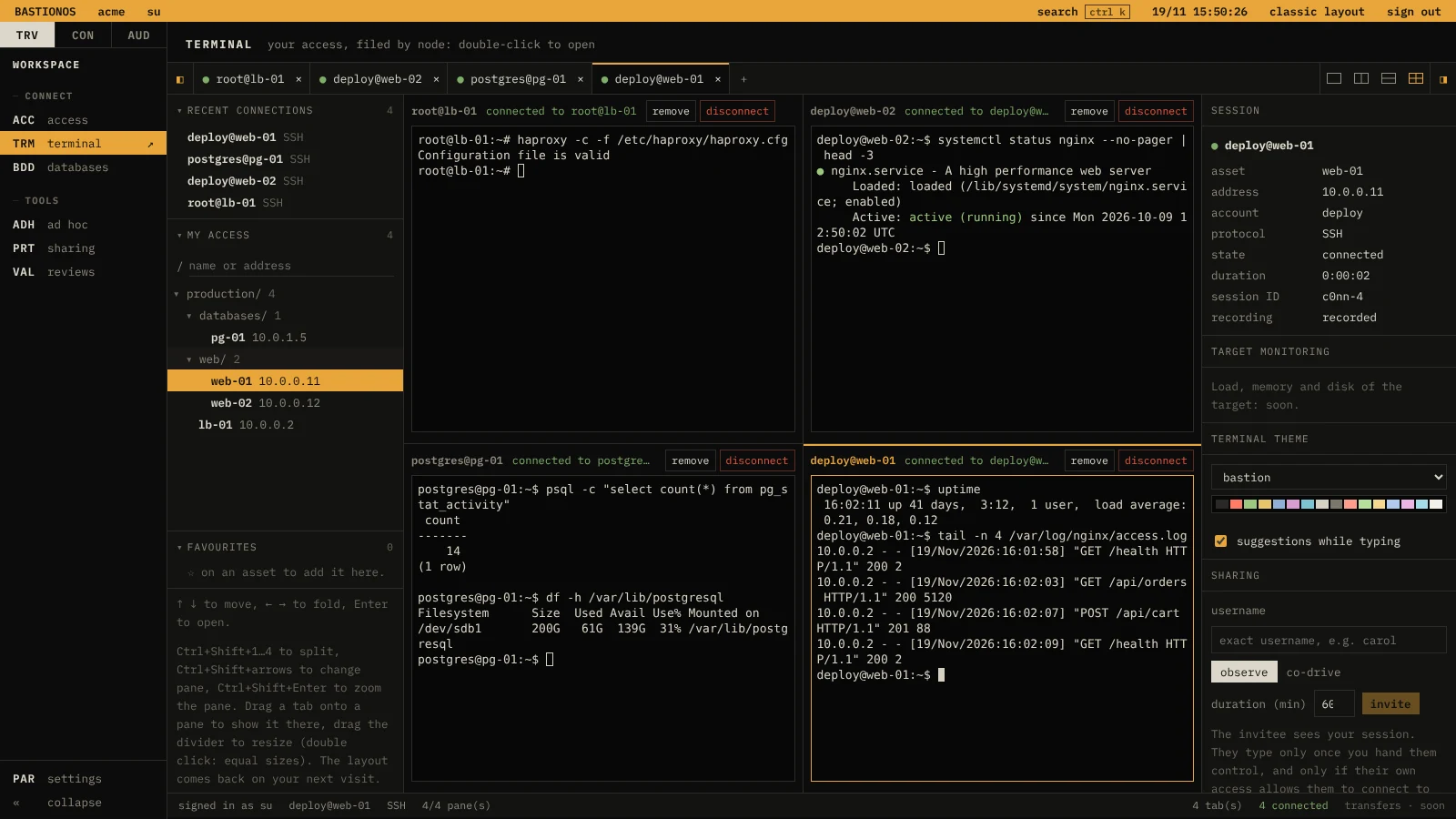
Your usual OpenSSH client or a terminal in the browser, with tabs and panes. SFTP and SCP file by file, Telnet for older hardware, jump hosts and site connectors.
- OpenSSH
- web terminal
- SFTP · SCP
- Telnet
Databases
Native proxy: your clients connect as usual. A SQL workbench in the browser for those who don't have one. Queries are logged, never their results.
- PostgreSQL
- MySQL · MariaDB
- SQL Server
- Oracle
- MongoDB
- Redis · Valkey
Desktops and Kubernetes
RDP and VNC in the browser, with no client to install. kubectl goes through the gateway, and exec and attach streams are recorded.
- RDP
- VNC
- kubectl
Secrets
Account passwords and keys live in OpenBao. Rotation on demand or on a schedule, renewed SSH keys, short-lived client certificates for databases.
- OpenBao
- rotation
- Ed25519 keys
- mTLS to databases
Access and command rules
Who, to what, with which account, at what times, from which network. Commands can be flagged, blocked or sent to an approver before they run.
- deny wins
- time windows
- simulation
- approval
Audit and oversight
Watch a session live, cut it off, replay it. A chained and signed audit log, exported to your monitoring tools.
- replay
- live monitoring
- sharing
- Loki · Elasticsearch · OpenSearch · Syslog
The console
Two skins, one console.
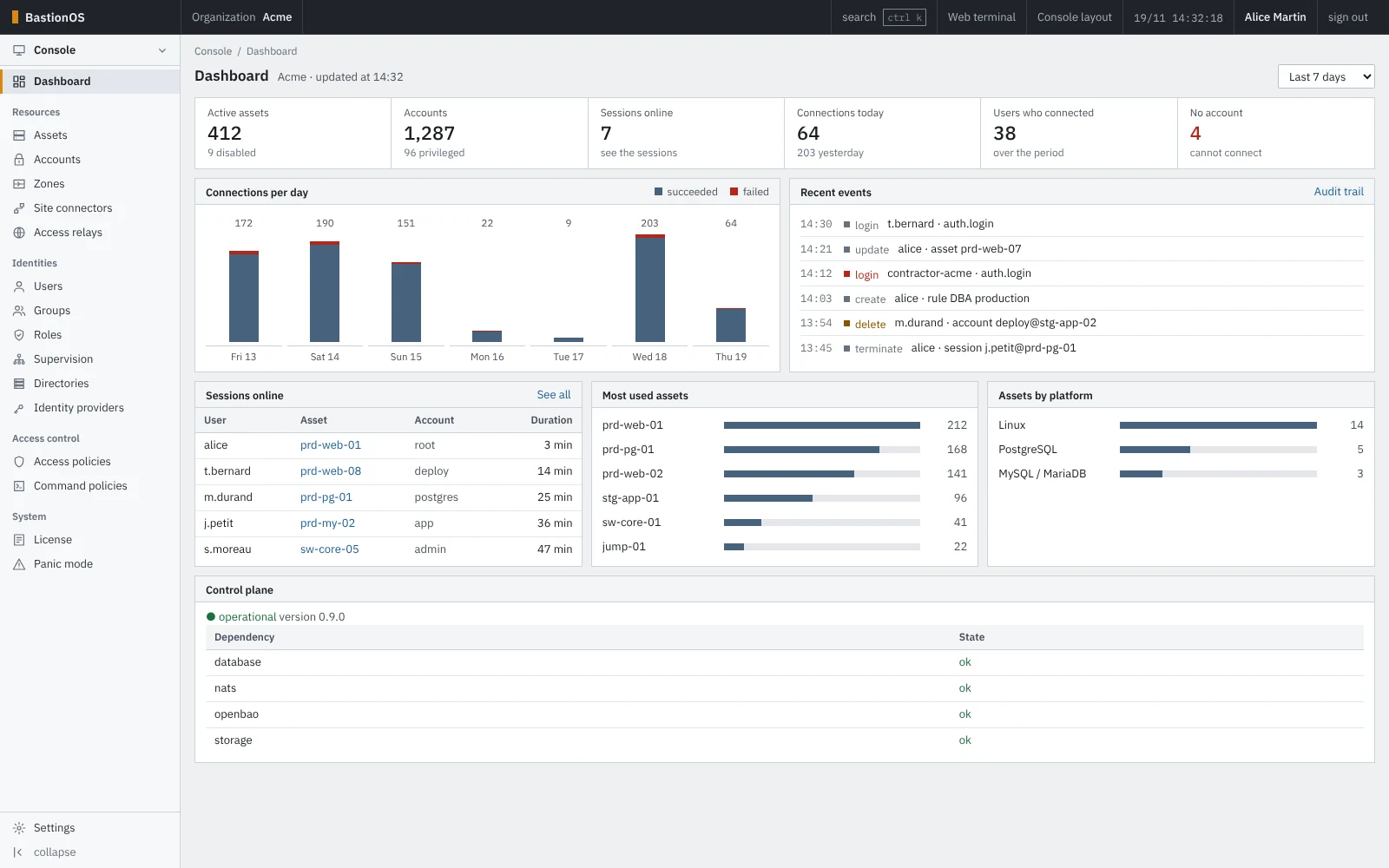
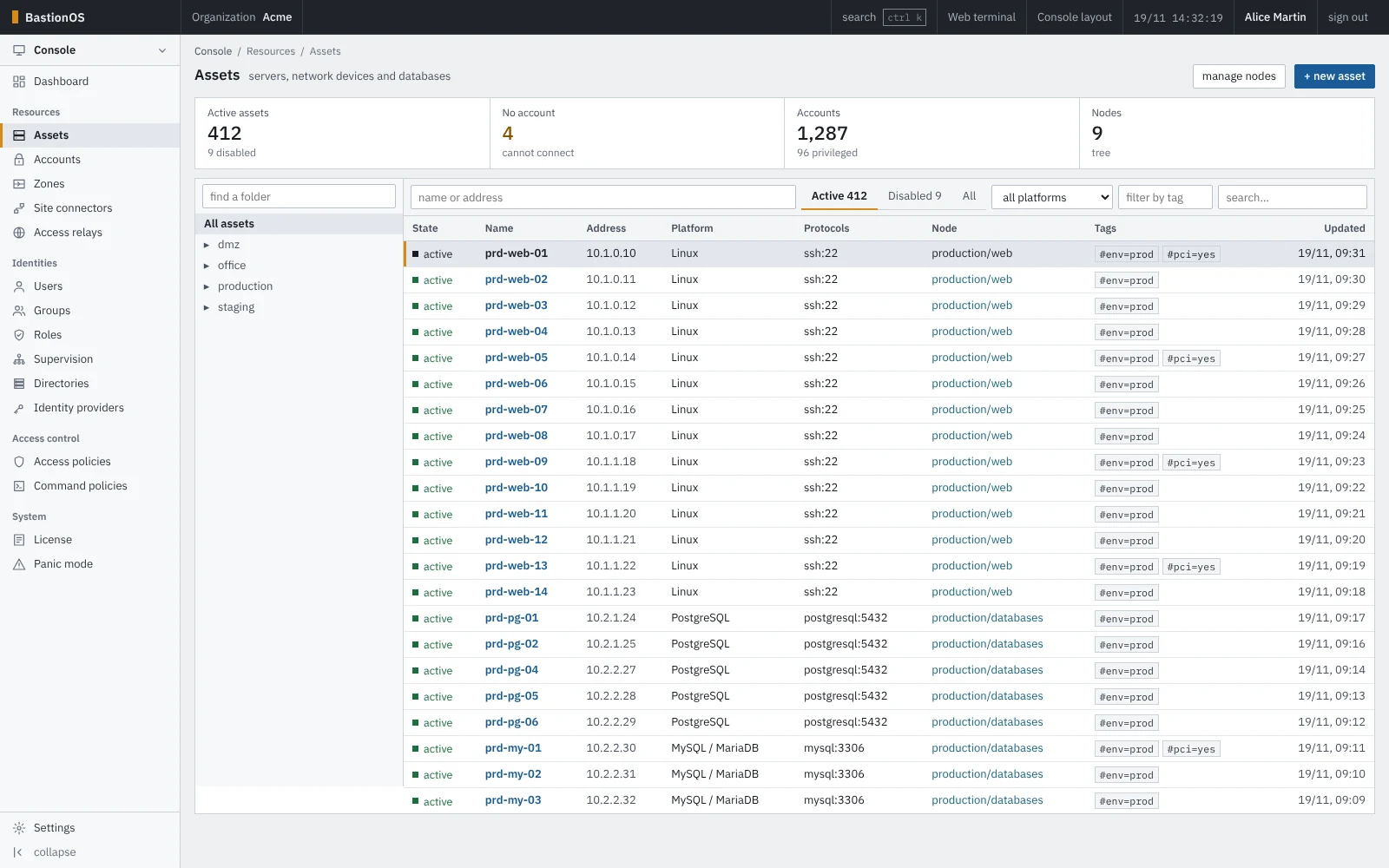
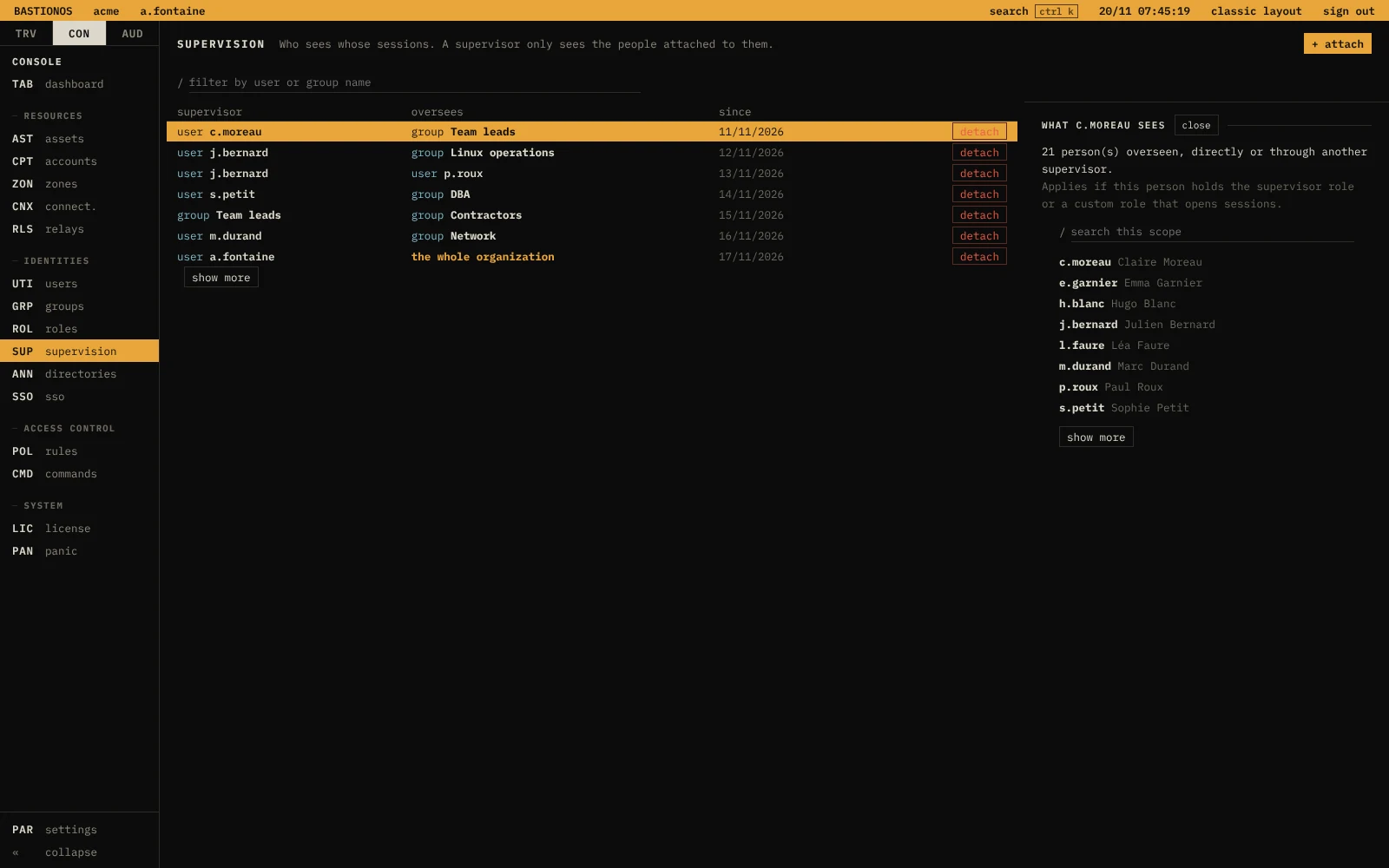
"Instrumented Console" for people who live on the keyboard: monospace, shortcuts, a Ctrl K command palette. "Classic" for those who prefer menus and tables. Everyone picks their own.
Console screenshots with demo data.
Why BastionOS
Built for the people who run it.
Your servers, your data
Docker Compose on one host, Helm for high availability, or a signed bundle for sites without Internet access. No recording, no secret and no host name ever leaves your network.
Designed for entire fleets
Searchable trees, server-side search and paging, bulk selection. Several organizations in one installation, one role per organization, fine-grained rights per page.
Security is not a paid extra
Second factor for everyone, directories, recording, audit and panic mode are all in the free edition. Enterprise editions add features, they never take any away.
Panic mode
One button to stop everything. Several keys to start again.
When in doubt, someone in charge seals the installation: new connections are refused and open sessions are cut. To lift the seal, you need the number of key holders you chose. Every step is written to the log.
Editions
Free to start. Enterprise to grow.
Community gives you the bastion, recording and audit at no cost and with no limit on assets. The three Enterprise editions add, tier by tier, SSO, multiple organizations, access and secrets automation, high availability and support.
Community
unlimited assets · 1 organization
The complete bastion on one node, with recording, local audit and a second factor for everyone.
Basic
50 assets · 1 organization
SSO, custom roles, Oracle and SQL Server, remote gateways, export to a SIEM.
Standard
500 assets · multiple organizations
Multiple organizations, live monitoring, Access Workflow, Secrets Autopilot, Discovery, active/passive.
Ultimate
unlimited assets · multiple organizations
Active/active with clustered gateways, Compliance Center, Security Intelligence, Operations & HA.
Try it
A Linux host, Docker, and one command.
Start on a test machine. The installation guide also covers Helm and sites without Internet access.
$ curl -fsSL https://raw.githubusercontent.com/su2626/bastionos-install/main/install.sh | sudo bash